
1 min read

How to activate a BETA-module in OutSmart?

How to activate a BETA-module in OutSmart?

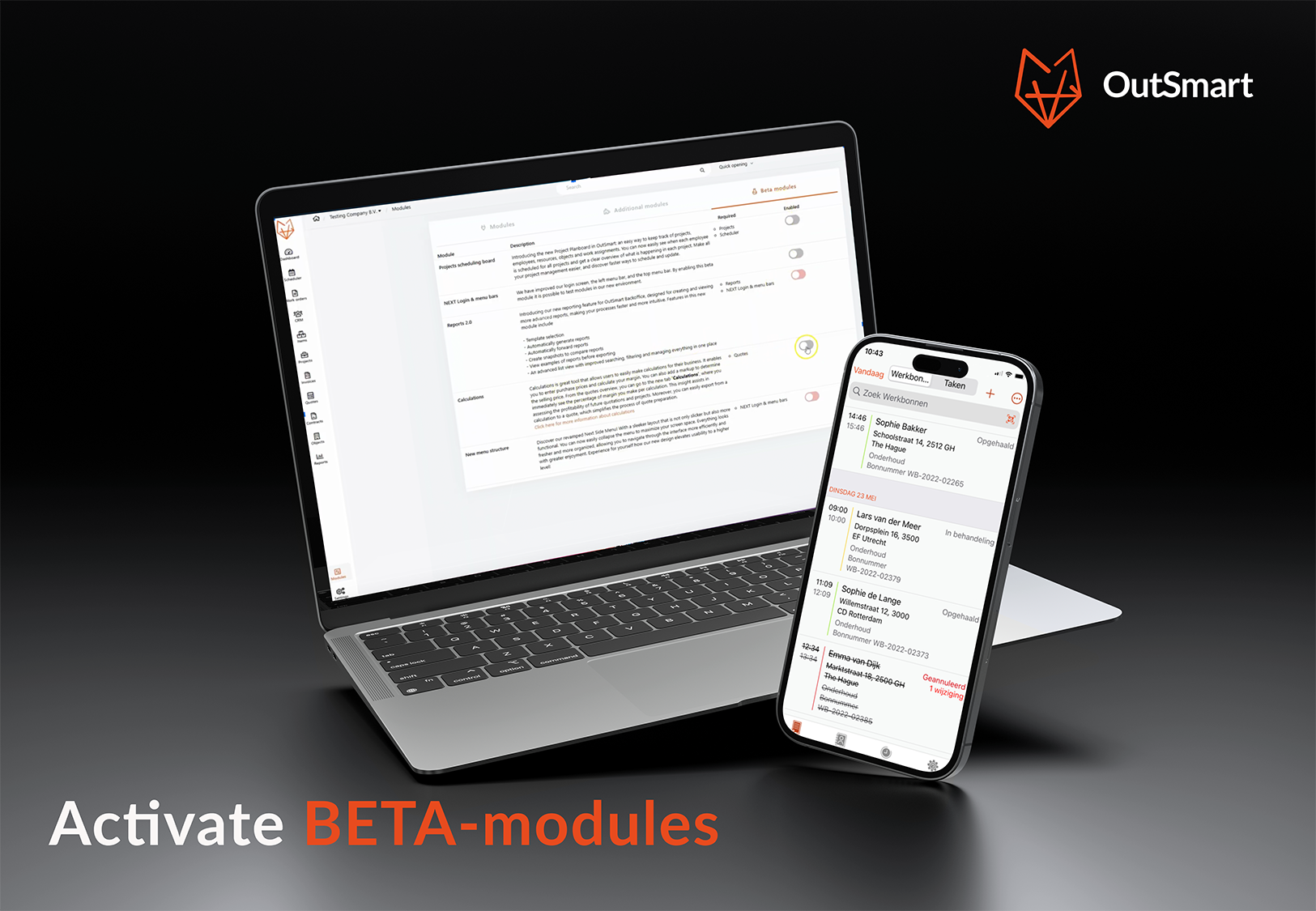
From time to time, we like to share OutSmart’s latest innovations with you. Since not all updates are always 100% finished right away, we launch new features in a BETA module. This way, you can try them out early, and we welcome your valuable feedback to determine whether the feature needs further adjustments or is ready for a full release. Additionally, a BETA release allows us to minimize risks by testing features in a controlled environment first.

Curious about how to activate a BETA module yourself? Follow these steps:

Step 1: Go to the Modules page

Open the OutSmart app and click Modules at the bottom left of the menu. Here, you’ll find an overview of all available modules.

Step 2: Find the BETA modules

Scroll through the list or use the search function to locate the BETA modules. These are clearly marked, making them easy to recognize.

Step 3: Activate the desired module

Found the module you want to use? Click on it to enable it. A simple click is all it takes to activate the module.

Step 4: Accept the terms and conditions

Before using a BETA module, we ask you to agree to the terms and conditions. Please read them carefully and check the box to confirm your agreement. This is required to proceed.

Step 5: Confirmation

After accepting the terms, you’ll see a confirmation message. The module is now active and ready to use. You can immediately benefit from the new functionalities!

Important to know

BETA modules are still in development and may undergo further refinement. We greatly appreciate your feedback, so don’t hesitate to share your tips or comments with us!

With these steps, you’re all set to make the most of our BETA modules. Good luck!

Work smarter with OutSmart - the latest features for planning & management!

Calculation module: Calculate your margins, increase your profit Already using our quotation feature? Then it’s time to enhance it with OutSmart’s...

Read More

OutSmart version 5.0 - What's new

OutSmart keeps innovating to deliver even more value to you. We’ve introduced several new features designed to make your work even more efficient and...

Read More

Test it yourself, get help faster, and log in safely: here’s what’s new in OutSmart

Less hassle, more ease: discover what's new in OutSmart.You can now test power-ups yourself, get instant help via our chatbot in the back office,...

Read More